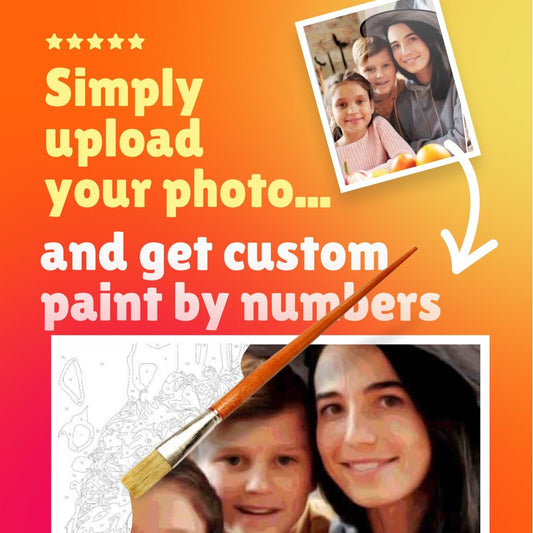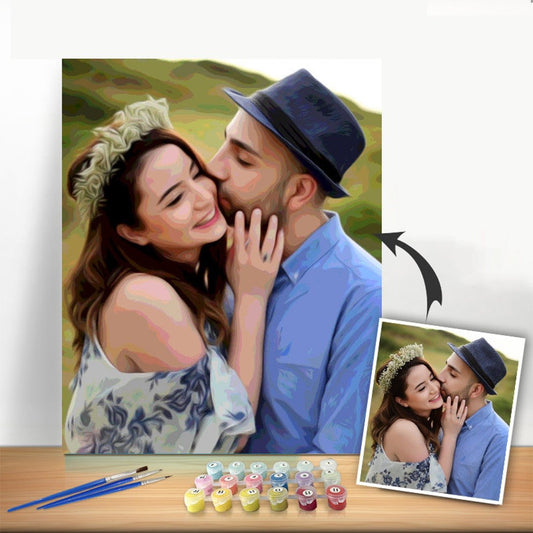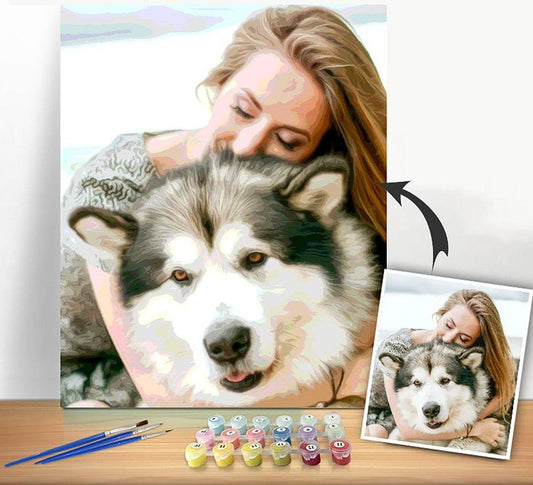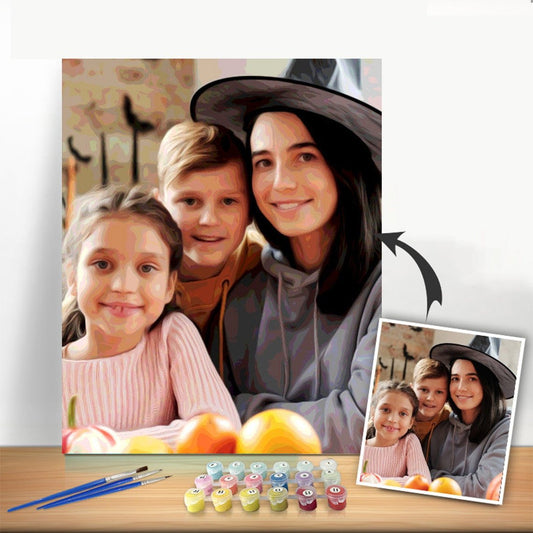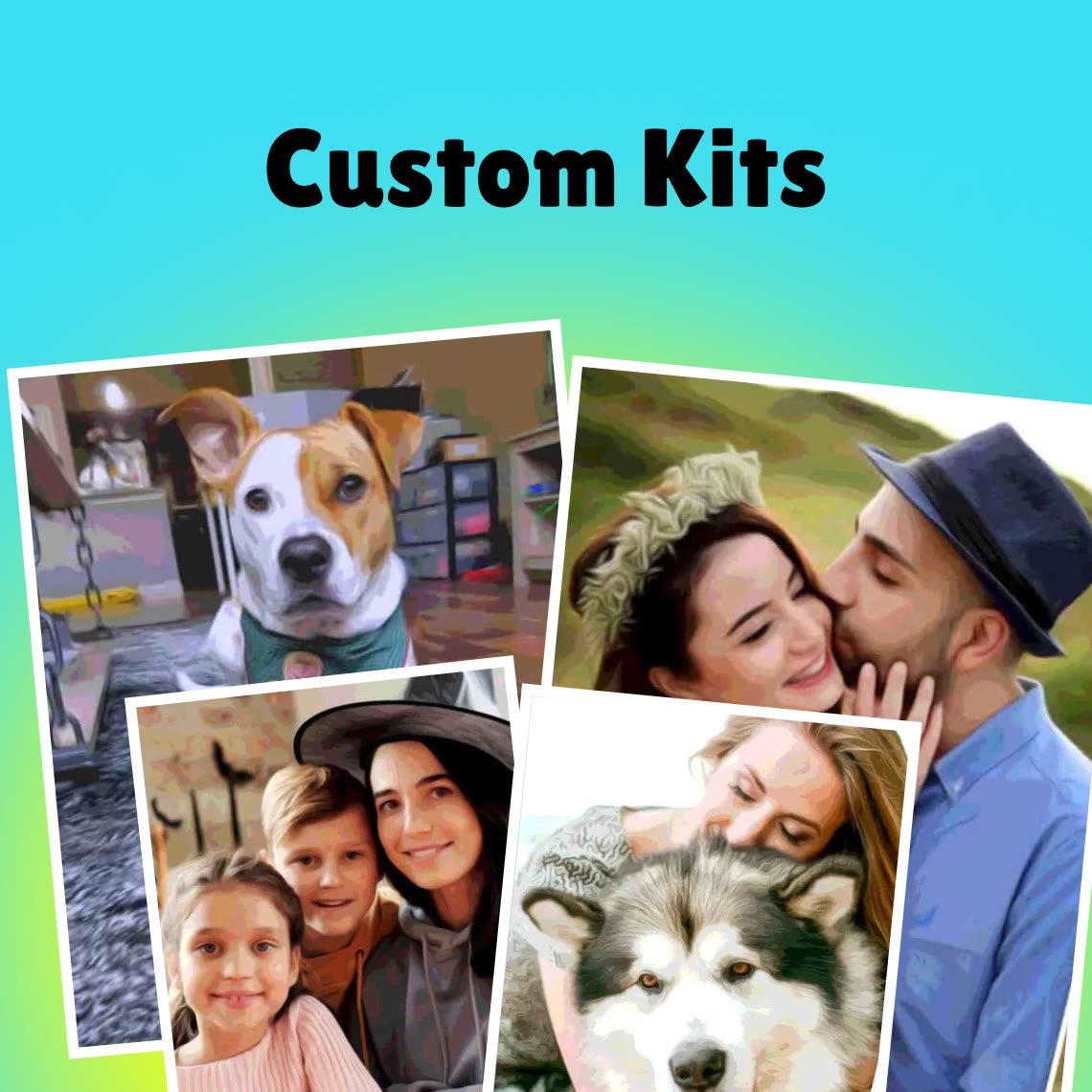

Ever looked at one of your favorite photos and thought, "That would make an amazing painting"? Well, you can absolutely make that happen. When you convert photos to paint by numbers, you get to turn your own memories into a piece of art, and the process is easier than you might think. It’s a fantastic blend of modern tech and the simple joy of painting.
Turn Your Favorite Photos Into Art
This isn't just about painting; it's about bringing your personal stories to life on a canvas. Imagine transforming that perfect shot of your dog, a sunset from your last vacation, or a favorite wedding picture into a project you can create with your own hands.
The global paint-by-numbers market is already valued at an estimated USD 1.56 billion in 2024, which just goes to show how many people are discovering this creative outlet.
To get started, you just need a photo you love and a tool to create your custom kit. A big part of making this work is having your best pictures ready to go. For some great ideas on sorting through your collection, check out these expert tips on how to organize family photos. It’ll help you find those perfect images that are just begging to be painted.
Whether you’re looking to make incredible unique handmade gifts or just a beautiful piece for your own wall, I’ll walk you through everything you need to know.
From Your Camera Roll to Your Canvas
Turning a digital image into a physical painting project involves a few key stages. It starts with picking the right picture and ends with a complete kit arriving at your door.
Here’s a quick overview of how the process breaks down:
Quick Guide From Photo to Painting
| Stage | Key Action | What to Look For |
|---|---|---|
| 1. Choose Your Photo | Select a high-resolution, well-lit image. | Clear details, good contrast between subject and background. |
| 2. Edit & Crop | Make minor adjustments for brightness and focus. | A simple, focused composition works best for painting. |
| 3. Upload & Preview | Submit the photo to the custom kit tool. | Check how the numbered sections and colors will look. |
| 4. Customize Your Kit | Choose canvas size and number of paint colors. | More colors add detail but increase complexity. |
| 5. Place Your Order | Confirm your custom design and wait for delivery. | Your kit will include the canvas, paints, and brushes. |
Each stage is simple, but getting the details right at the beginning—especially with photo selection—makes all the difference in your final masterpiece.
Choosing the Right Photo for Your Project
The secret to a stunning custom paint-by-numbers canvas isn't your painting skill—it's the photo you start with. Seriously, this first step makes all the difference. Not every snapshot is a good candidate to convert photos to paint by numbers.
Think about it this way: a blurry or low-resolution photo will only create a blurry, indistinct painting. You want a high-resolution image to get those crisp, clean lines that make painting so satisfying. Strong contrast between your subject and the background is also a game-changer, as it helps define the different color areas clearly.
For instance, a close-up portrait of your dog sitting on a plain-colored rug will translate beautifully. But a photo of that same dog playing in a cluttered room with lots of furniture and toys in the background? That's going to be a much more complicated, and likely less successful, final piece. A simple background is almost always your best bet.
If you're not a pro photographer, don't worry. There are some great tips for taking amazing photos that can help you capture the perfect shot for this project.
Just look at the difference a sharp, clear image makes.
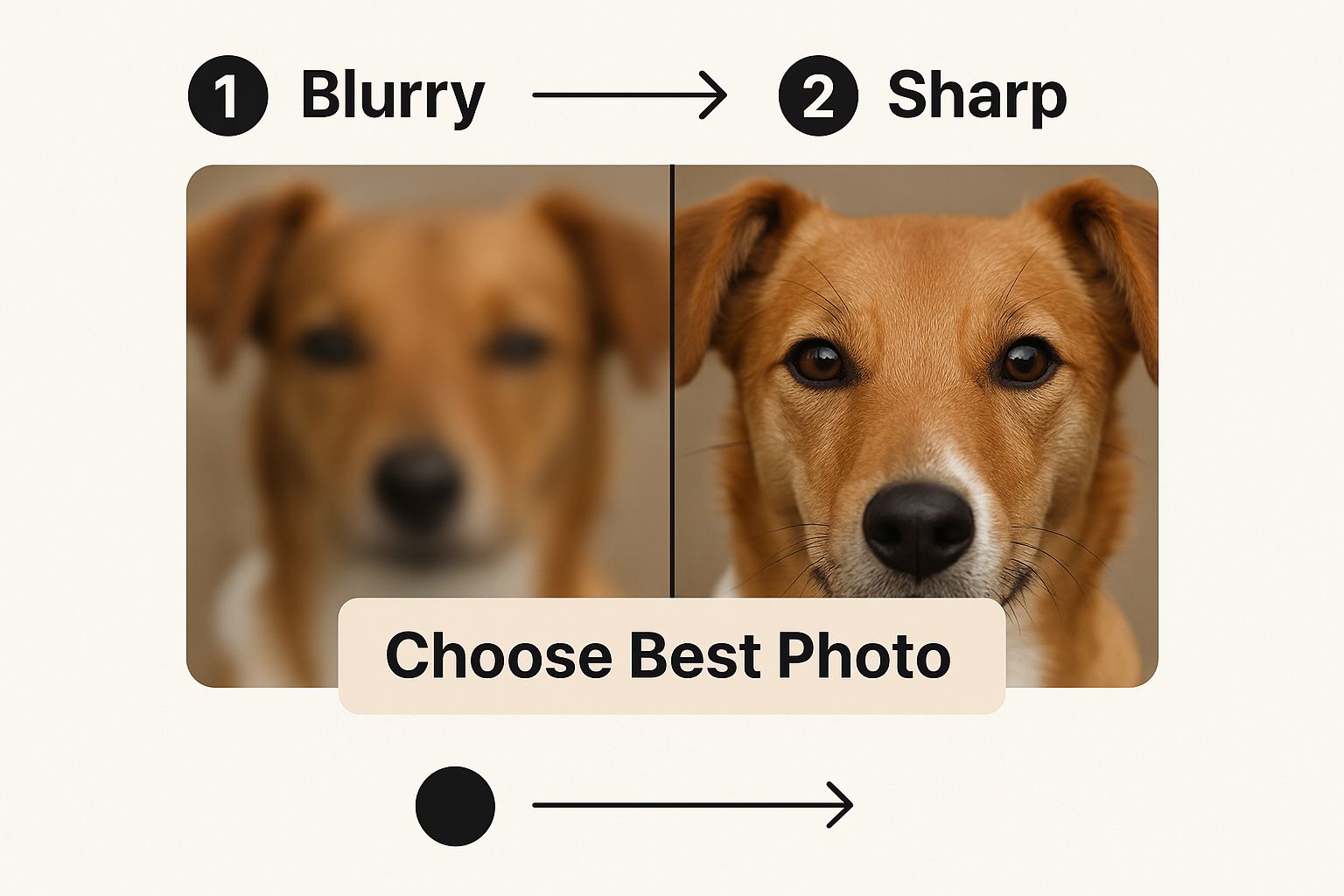
As you can see, the sharper the photo, the more detailed and enjoyable your painting experience will be. Getting this part right is absolutely essential.
So, you've picked the perfect photo and you're ready to turn it into a paint-by-numbers masterpiece. But what actually happens behind the scenes? It's not magic, but it's pretty close.
When you upload your image to a custom paint-by-numbers service, some really clever software takes over. Its main job is to analyze every single pixel in your photo, figuring out all the different colors and where they are.
Think of it like a digital artist simplifying a complex scene. The software groups similar colors together, reducing your photo’s potentially thousands of shades into a limited, paintable palette. It then maps out your entire image, creating a numbered outline where each number corresponds to a specific color.
Choosing your color count is one of the most important decisions you'll make. A kit with 24 colors will give your painting a bolder, more graphic feel—great for beginners or for a pop-art style. Bumping it up to a 48-color kit allows for much finer detail and smoother transitions, which is what you'll want for capturing the life in a portrait or the subtlety of a landscape.
To finish the process, the system perfectly matches each numbered section on the canvas to a corresponding pot of acrylic paint. That's how your custom kit is born—a complete package with everything you need, delivered right to your door, just waiting for you to add your personal touch.
Quick Photo Edits for a Better Painting
A few minutes of prep work on your photo can make a world of difference in your final painting. You don't need fancy software; these simple tweaks can usually be done right on your phone or computer.
First up, crop your image. The goal here is to get rid of all the background noise and really focus on what matters. Is there a random chair in the corner? Or other people who aren't the main subject? Crop them out. This forces the attention squarely onto your favorite person or pet, making them the undeniable star of your canvas.
Next, play with the brightness and contrast. A photo that looks a little dark or flat on screen will look even muddier as a paint-by-numbers pattern. Bumping up the brightness just a bit can bring out hidden details. A little more contrast helps define the edges, which is exactly what the software needs to create clear, paintable sections.
Don't forget about the color. A slight boost in saturation can wake up a tired-looking photo, giving the conversion process more vibrant colors to map out. These small adjustments are seriously the key to getting a clean, crisp paint-by-numbers outline you’ll be excited to fill in.
Your Kit Has Arrived! Here’s How to Get Started
There's nothing quite like the feeling of unboxing your very own custom paint-by-numbers kit. Go ahead and open it up! Inside, you'll find the rolled canvas with your image printed on it, a full set of numbered acrylic paints matched perfectly to your photo, and a few different paintbrushes to handle both broad strokes and tiny details. Most kits also come with a handy paper reference key, which is great for double-checking areas.
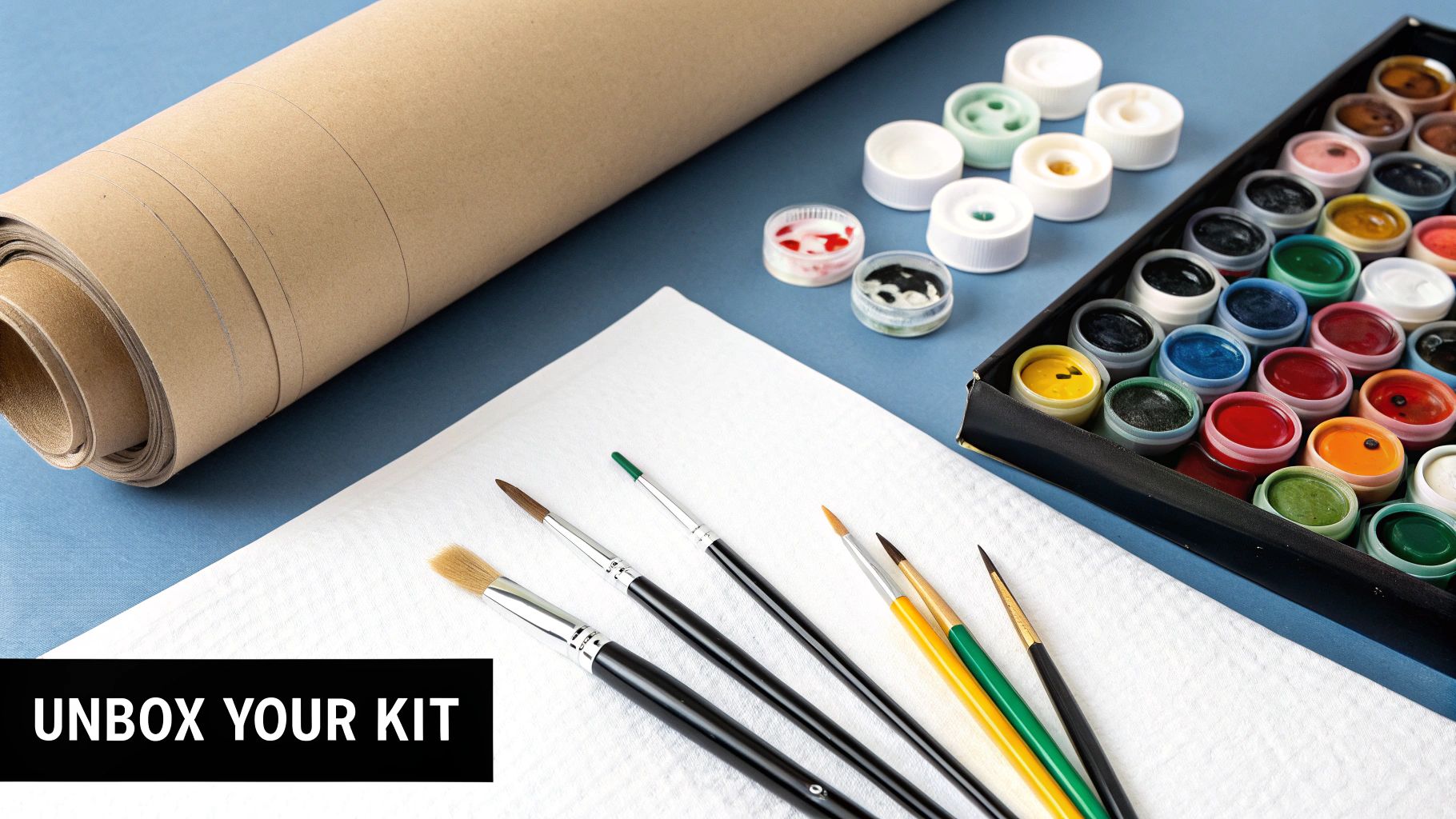
Before you dip a brush in paint, let's get your workspace ready. A little prep goes a long way.
First, carefully unroll your canvas. It might want to curl back up, so I usually place a few heavy books on the corners for an hour or two to help it lie flat. While that’s happening, take a moment to arrange your little paint pots in numerical order. Trust me, this makes finding the right color so much faster when you're in the zone.
The popularity of hobbies like this, where you can convert photos to paint by numbers, is part of a huge trend. The global art paint market, especially for versatile acrylics, is projected to hit USD 14.58 billion by 2033. It's amazing to be part of such a creative movement!
If you want to learn more about the tools of the trade, check out our guide on https://paint-by-number.com/blogs/learn-about-paint-by-numbers/beginner-acrylic-painting-supplies.
A Few Common Questions You Might Have
It’s totally normal to have a few questions before you dive into a new creative project. Getting the details right is the key to a fantastic final painting.
How Much Detail Will My Painting Have?
This really comes down to two things: the quality of your photo and the number of colors in your kit. A crisp, high-resolution close-up with a 36-color palette is going to capture a ton more detail than a fuzzy, far-away shot. For the best results, always start with a clear, well-lit photo of your subject against a simple background.
Can I Use an Old Black and White Photo?
Absolutely! In fact, black and white photos can create some of the most stunning, classic paintings that really focus on light and shadow. You'd be surprised how beautifully they translate to canvas.
Want to see some real-life examples? Check out our gallery of the best custom paint by number kits to get inspired.
Ready to turn that favorite memory into a masterpiece? Visit our Custom Paint By Numbers page, upload your photo, and let's start creating your personalized art kit today.